Execution
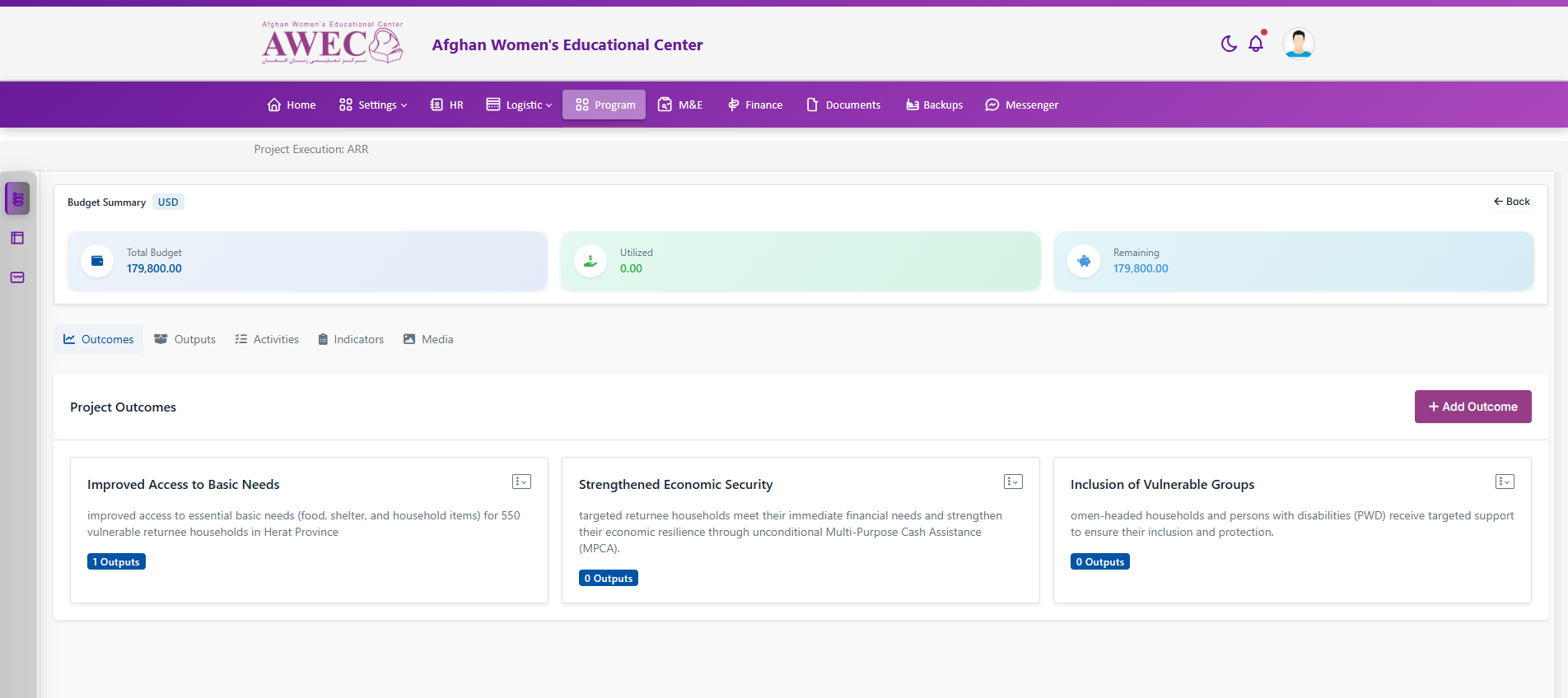
Overview card shows Budget Summary (Total, Utilized, Remaining, with currency badge) and Back to details.
Tabs:
- Outcomes: list cards with Add/Edit/Delete outcome (permissions). Shows empty-state CTA if none.
- Outputs: nested under outcomes; activities displayed per output with statuses and progress bars.
- Activities: manage activities with start/end, progress, status; timeline rendering.
- Indicators: attach indicators to outputs/activities.
- Media: upload and preview media linked to outputs/activities.
Notes:
- Permissions gate: "view Implementation Execution" to access.
- Assign Project Manager available in Implementation page action when permitted.
Screenshot: